


Business management
Piyzi Web Training Set
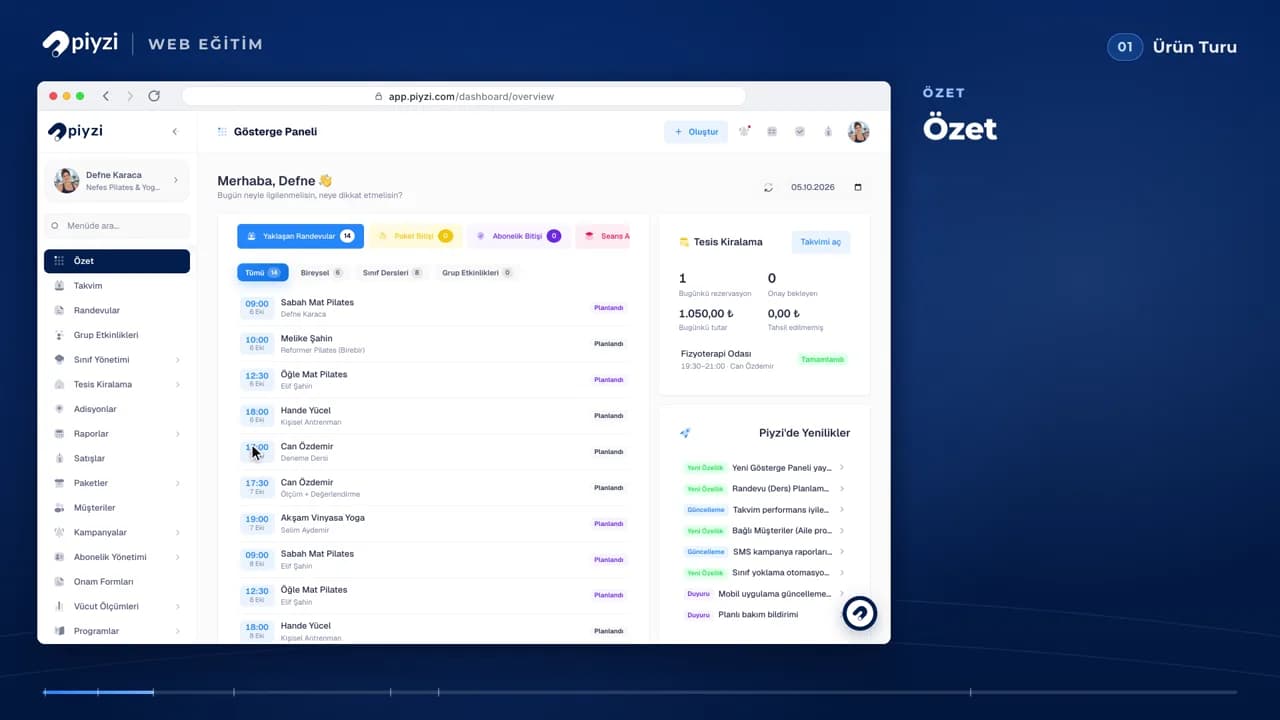
Every step of using Piyzi from the web panel in one set: creating your account and setting up the business, defining services, staff and packages, the calendar, sales cards and payments, through to automations, campaigns and reports. Each lesson shows one module on a sample studio.
 Piyzi Academy
- 30 lessons
- 5 h 21 min
- Lifetime access
- Certificate
Free
Free with a Piyzi account
This course includes
- Recorded video lessons
- Lifetime access
- Watch on phone and computer
- Completion certificate with QR verification
What you will learn
- Creating your account and setting up your business
- Defining services, staff and packages
- Booking appointments and taking payments
- Managing classes, events and memberships
- Using automations, campaigns and reports
Course content
6 sections · 30 lessons
Getting started
6 lessons- A tour of the Piyzi web panelLesson 1 of 30 · 7:10Preview
- Creating your account and setupLesson 2 of 30 · 9:34
- Company settingsLesson 3 of 30 · 10:13
- Appointment settingsLesson 4 of 30 · 8:29
- Services and definitionsLesson 5 of 30 · 8:02
- Pi-Store and modulesLesson 6 of 30 · 5:03
Team, customers and packages
4 lessons- StaffLesson 7 of 30 · 13:19
- Package templatesLesson 8 of 30 · 7:14
- CustomersLesson 9 of 30 · 18:54
- Selling packagesLesson 10 of 30 · 13:24
Classes
3 lessons- ClassesLesson 11 of 30 · 14:41
- Enrolling studentsLesson 12 of 30 · 13:01
- Freezing and schedulingLesson 13 of 30 · 8:00
Calendar, sales and finance
5 lessons- Calendar and appointmentsLesson 14 of 30 · 8:18
- Appointment detailsLesson 15 of 30 · 7:50
- Sales cards and paymentsLesson 16 of 30 · 12:07
- Products, stock and salesLesson 17 of 30 · 10:25
- Accounting and financeLesson 18 of 30 · 9:56
Growth and communication
6 lessons- Group eventsLesson 19 of 30 · 16:11
- Membership managementLesson 20 of 30 · 12:35
- Online booking and PiLinkLesson 21 of 30 · 14:17
- AutomationsLesson 22 of 30 · 10:34
- CampaignsLesson 23 of 30 · 10:44
- Messaging and reviewsLesson 24 of 30 · 7:51
More modules and your account
6 lessons- Digital consent formsLesson 25 of 30 · 12:00
- Measurements and programmesLesson 26 of 30 · 10:40
- ReportsLesson 27 of 30 · 10:05
- IntegrationsLesson 28 of 30 · 7:54
- My account, subscription and helpLesson 29 of 30 · 10:09
- Facility rentalLesson 30 of 30 · 12:06
Unlocks when you enrol
A Piyzi Academy certificate when you finish
When you finish every lesson, a Piyzi Academy certificate is issued in your name. Anyone who scans its QR code can confirm it is genuine with one tap.
Who it is for
- Businesses that are new to Piyzi
- Teams who want to learn every feature of the panel
Free
With a Piyzi account